For many businesses, autumn marks the beginning of a more active working season. Customers return from their holidays, start planning purchases again, look for service providers, and make decisions about the final projects of the year.
That is why August and the beginning of September are good times to check whether the information published on your company’s website is still accurate, relevant, and convincing.
A complete website audit may take several days. However, that does not mean useful improvements cannot be identified much faster. Even one focused hour can reveal outdated information, broken links, unclear wording, and other obstacles that may prevent a visitor from becoming a customer.
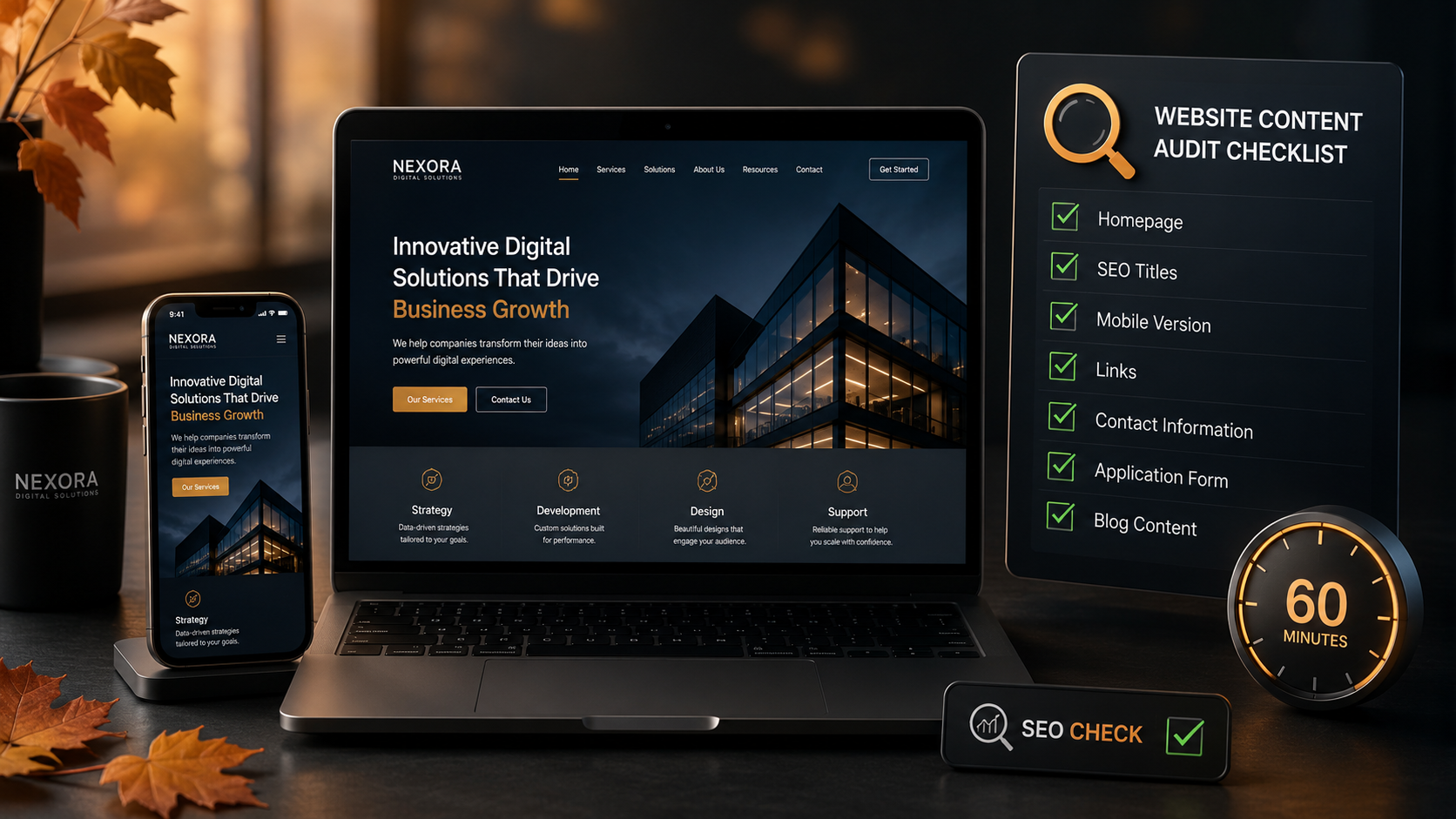
This article presents a practical 60-minute website content audit that can be carried out without any programming knowledge.
The purpose of the audit is not to check every technical detail within a single hour. The goal is to focus on the pages and elements that have the greatest effect on:
- the first impression of the company;
- the website’s visibility in Google and AI-powered search tools;
- visitor trust;
- the number of customer enquiries;
- the accuracy of published information;
- ease of use on mobile devices.
To keep the audit focused, set a timer and allocate a specific amount of time to each section.
Before the Audit: What Should You Prepare?
Before you begin, open the website on two devices:
- a computer;
- a mobile phone.
It is also useful to use your browser’s private or incognito mode. This allows you to view the website more like a new visitor who does not have saved login information, cookies, or cached files.
Prepare a simple document or spreadsheet with three columns:
| Page | Problem Found | Required Action |
|---|---|---|
| Homepage | Outdated offer | Replace it with an autumn offer |
| Services | Price or process is unclear | Add an explanation |
| Contact | Incorrect opening hours | Update the information |
You do not need to fix every issue as soon as you find it. First, create a complete list. Once the audit is finished, address the issues in order of priority.
0–10 Minutes: Check the Homepage
The homepage is usually one of the most visited sections of a business website. Within a few seconds, it should tell visitors what the company does and which problem it can help them solve.
Open the homepage and try to look at it from the perspective of someone who knows nothing about the company.
Is the Company’s Offer Immediately Clear?
The first screen should answer three questions:
- What does the company offer?
- Who is the product or service intended for?
- What result will the customer receive?
General slogans such as “Quality and Growth” or “We Help You Achieve More” do not explain what the company actually does.
A clearer version would be:
We develop fast, SEO-optimised business websites with an easy-to-use CMS.
This type of wording immediately helps visitors understand the offer and also allows search tools to identify the topic of the page more accurately.
Is There Any Outdated Information on the Homepage?
Check:
- promotions and special offers;
- event dates;
- seasonal announcements;
- prices;
- opening hours;
- delivery conditions;
- employee names;
- business partners;
- customer numbers or years of experience.
If the homepage still displays a spring promotion or information about an event that ended months ago, visitors may assume that the website is not being maintained.
Even one small outdated detail can reduce trust in the rest of the content.
Is the Next Step Clear?
The homepage should include a clear call to action.
Examples include:
- Book a consultation;
- Request a quote;
- View our services;
- Book a free call;
- Download the price list;
- Contact a specialist.
Check whether the main button is easy to notice and whether it leads to the correct page.
If visitors understand the offer but do not know what to do next, the website may lose potential enquiries.
10–20 Minutes: Review Service and Product Pages
Service and product pages are often the most important sales pages on a website. They should not only describe the offer but also help customers decide whether it is right for them.
Choose the three most important service or product pages and review their content.
Does the Text Explain the Customer’s Benefit?
Many companies write too much about themselves and too little about the customer’s situation.
For example:
Our team has extensive experience and a professional approach.
This statement is general and gives the customer very little concrete information.
It is better to explain how that experience improves the cooperation process:
The development process is divided into clear stages, so the customer knows the deadlines, costs, and decisions required at every step.
Check whether the service page explains:
- who the service is suitable for;
- which problem it solves;
- what is included;
- how the cooperation works;
- how long the process takes;
- what result the customer can expect;
- how to apply or get in touch.
The fewer unanswered questions a visitor has after reading the page, the easier it is for them to make a decision.
Does the Information Reflect the Autumn Season?
Customer needs often change in autumn. Companies begin planning the final quarter of the year, budgets, marketing activities, and projects for the following year.
Consider whether it would be natural to mention:
- preparing for the end of the year;
- autumn campaigns;
- launching a new project;
- modernising a website before the busy season;
- improving business processes;
- planning for the next year.
Seasonal context can be added subtly. There is no need to turn the entire page into a short-term autumn advertisement.
20–30 Minutes: Check SEO Titles and Descriptions
A website content audit is not complete without checking the most important SEO elements.
There is no need to carry out detailed keyword research at this stage. Simply review the main pages and make sure their headings and descriptions are clear and distinct.
Check the Main Heading on Each Page
Each page should have one clear H1 heading. It should describe the content of the page rather than serve as an abstract advertising slogan.
Weak heading:
Modern Solutions for Your Growth
More precise heading:
Website and CMS Development for Businesses
Subheadings should divide the text into logical sections. Long blocks of text without H2 and H3 headings are more difficult for both people and search tools to process.
Check the SEO Title
The SEO title appears in search results and in the browser tab. It should be unique, accurate, and reflect the content of the specific page.
A good SEO title usually includes:
- the main service or topic;
- the target audience or location, if relevant;
- the company name, if space allows.
For example:
Website Development for Businesses in Latvia | Silovs.lv
Avoid using identical or nearly identical SEO titles on several pages.
Check the Meta Description
A meta description should briefly explain what the visitor will find on the page and why it is worth opening.
For example:
We develop fast, secure, and SEO-optimised business websites with a custom content management system.
A meta description does not guarantee a higher search ranking, but persuasive wording may increase the number of clicks from search results.
30–40 Minutes: Check Links, Contact Details, and Trust Elements
Even excellent content loses value if links do not work or contact information is inaccurate.
Check the Main Buttons and Links
Click the most important links, including:
- main navigation sections;
- enquiry buttons;
- contact links;
- social media icons;
- download buttons;
- blog article links;
- the company logo, which should usually lead to the homepage.
Pay attention to links that:
- open an error page;
- lead to the wrong section;
- open an outdated document;
- do not work on a mobile device;
- lead to an inactive social media profile.
Check the Contact Information
Compare the contact details shown in different parts of the website:
- the contact page;
- the footer;
- the homepage;
- enquiry forms;
- the legal information section.
Check:
- phone number;
- email address;
- registered address;
- office address;
- opening hours;
- company details;
- social media links.
The information should be consistent throughout the website.
If one section displays different opening hours or an outdated telephone number, a customer may become confused or fail to reach the company.
Check the Trust Elements
The beginning of the autumn season is a good time to update:
- customer testimonials;
- examples of completed projects;
- certificates;
- partner logos;
- team information;
- company experience figures;
- frequently asked questions.
If all visible testimonials are several years old, add more recent examples. Visitors want to see that the company is still active and continuing to work with customers.
40–50 Minutes: Review the Website on a Mobile Phone
A website may look good on a computer but be inconvenient or difficult to use on a mobile device.
At least ten minutes of the audit should therefore be dedicated to the mobile version.
Check Readability
Text should be large enough to read, and paragraphs should not become long, dense blocks.
Check:
- heading sizes;
- spacing between paragraphs;
- list formatting;
- button text;
- table display;
- image proportions.
If users need to zoom in to read the text, the mobile version is not sufficiently user-friendly.
Check the Menu and Buttons
The mobile menu button should be easy to find. Once the menu is open, every section should be readable and easy to tap.
Also check the main enquiry buttons. They should not:
- be too small;
- overlap other elements;
- disappear beyond the edge of the screen;
- be placed too close to other buttons;
- lead to the wrong page.
Submit an Enquiry Form
Test the form as a real customer would:
- enter a name;
- add an email address;
- write a message;
- press the submit button.
Check whether:
- the fields are easy to understand;
- error messages are readable;
- the form is submitted successfully;
- a confirmation message appears;
- the company actually receives the enquiry.
A broken form may result in lost customers, making this one of the most important checks in the audit.
50–60 Minutes: Check the Blog and Create a Priority List
During the final ten minutes, review the blog and organise the tasks you have identified.
Do the Latest Articles Reflect the Company’s Current Direction?
Blog articles should support the company’s services and areas of expertise.
If the company offers website development, SEO, or business process automation, the blog should include practical articles related to those topics.
Check:
- when the most recent article was published;
- whether articles have good featured images;
- whether the publication date is visible;
- whether an author is listed;
- whether articles contain internal links;
- whether they link to relevant services;
- whether older information is still accurate.
Find at least one previously published article that could be updated before the autumn season.
In some cases, improving an existing article can deliver better results than publishing a new article on an almost identical topic.
Divide the Tasks into Three Priority Levels
After the audit, assign a priority to each issue.
High Priority
These problems should be fixed immediately:
- incorrect contact information;
- broken enquiry forms;
- broken main links;
- outdated prices;
- expired offers;
- incorrect service descriptions.
Medium Priority
These improvements should preferably be completed within the next week:
- unclear headings;
- weak calls to action;
- incomplete service descriptions;
- missing meta descriptions;
- outdated testimonials;
- insufficient internal links.
Low Priority
These tasks can be added to the longer-term improvement plan:
- replacing images;
- adding more frequently asked questions;
- adding new project examples;
- reorganising blog categories;
- improving the style of individual texts.
60-Minute Website Content Audit Checklist
Use this checklist to make sure you do not miss the most important areas.
Homepage
- The company’s offer is immediately clear.
- There are no outdated promotions or dates.
- The main call to action is visible.
- The main buttons lead to the correct pages.
Service Pages
- Customer benefits are explained.
- The cooperation process is clear.
- The information reflects the current offer.
- There is a clear way to apply or make contact.
SEO and Content
- Every page has a clear H1 heading.
- Logical H2 and H3 subheadings are used.
- SEO titles are unique.
- Meta descriptions are accurate and persuasive.
- Relevant search terms are used naturally.
Links and Contact Details
- Main navigation links work.
- Enquiry buttons work.
- Contact information is consistent everywhere.
- Social media links are current.
- There are no obvious broken links.
Mobile Version
- Text is easy to read.
- The menu works correctly.
- Buttons are easy to tap.
- Images are not distorted.
- The enquiry form works.
Blog and Trust
- Current information has been published.
- Older articles are not misleading.
- Articles contain internal links.
- Recent testimonials or project examples are included.
- Readers are directed to a relevant service.
What Should You Do After the Audit?
After 60 minutes, you will probably have a fairly extensive task list. Do not try to fix everything in one day.
Start with the issues that may directly lead to lost customers:
- repair forms and important links;
- update prices, dates, and contact details;
- clarify the main offer on the homepage;
- improve the text on the most important service pages;
- add clear calls to action;
- update one or two of the most valuable blog articles.
After that, plan larger improvements such as:
- creating new service pages;
- reviewing the website structure;
- improving the design;
- carrying out a complete technical SEO audit;
- creating new content sections.
How Often Should a Website Content Audit Be Carried Out?
A short content review should preferably be carried out at least once every quarter.
Seasonal businesses may need an audit before every active season.
An additional audit is also recommended when:
- the company’s services change;
- prices are updated;
- the company moves to a new location;
- opening hours change;
- new employees join the company;
- an advertising campaign begins;
- the number of enquiries decreases;
- the website has not been updated for a long time.
Regular content audits help prevent a situation in which the website works technically, but the information no longer reflects the company’s actual offer.
Conclusion
Preparing a website for the autumn season does not always require a complicated and expensive audit.
A focused 60-minute review can reveal outdated information, broken links, unclear text, and other obstacles that prevent visitors from becoming customers.
During that hour, focus on:
- the clarity of the homepage;
- the most important service pages;
- SEO titles and meta descriptions;
- contact information and links;
- the mobile version;
- enquiry forms;
- the relevance of the blog;
- clear calls to action.
The most important step is not only to identify problems, but also to organise them by priority and set specific deadlines for fixing them.
A regularly updated website creates greater trust, is easier for search tools to understand, and helps a business begin the active autumn season more successfully.