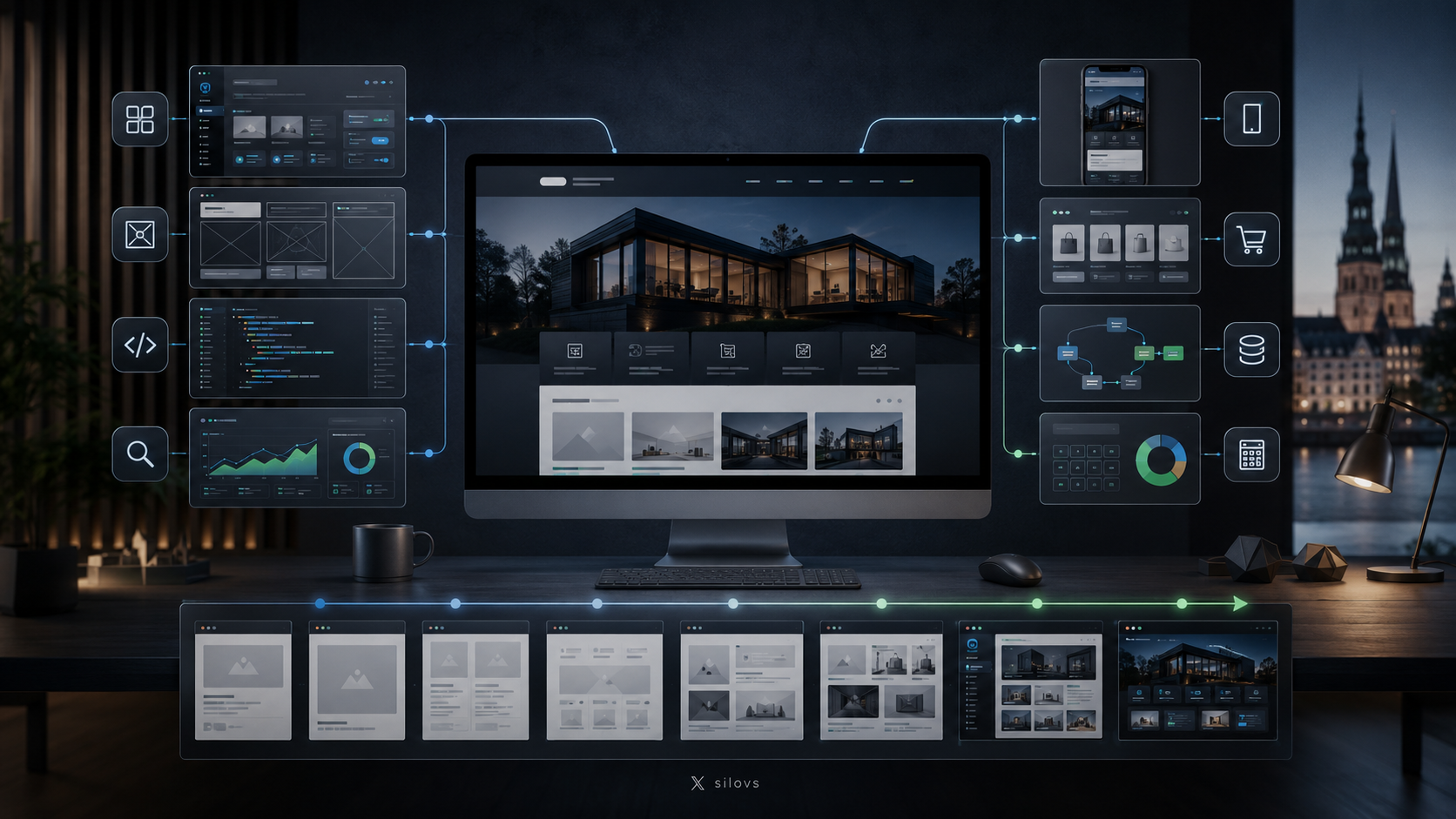
A custom CMS can be anything from a simple administration panel for managing a few sections of a website to a complete business platform with user roles, documents, automated workflows and integrations with other systems.
That is why there is no single answer to the question:
How much does custom CMS development cost?
In Latvia in 2026, custom software projects are generally priced only after the development team has reviewed the business processes and required functionality.
For example, iConcept states that the cost of custom ERP systems depends on factors such as functionality, integrations and the number of users, while development may take approximately three to nine months depending on complexity.
Codars also points out that a feature described simply as “customer management” might mean anything from a basic data table to a complex system involving permissions, documents, integrations and audit history.
The same principle applies to custom CMS development.
You are not really paying for the number of buttons or administration screens. The main cost comes from the business logic, data and processes the system needs to manage.
The short answer: how much can a custom CMS cost?
There are relatively few publicly listed prices specifically for custom CMS projects in Latvia because these systems are normally quoted individually.
However, based on the pricing of related custom software, e-commerce and business-system projects, the following ranges can be used as rough initial budgeting guidelines:
| Type of custom CMS | Approximate project budget |
|---|---|
| Simple custom administration panel | €3,000–€7,000 |
| Business CMS with multiple content structures and roles | €6,000–€15,000 |
| CMS with workflows and external integrations | €10,000–€25,000 |
| Complex CMS or business platform | €20,000–€50,000+ |
These are practical market estimates rather than official Latvian average prices.
For comparison, WPX lists full custom AI applications with UI, API, authentication and integrations from €5,500, while more complex enterprise platforms start from €12,000.
A Coma review of 16 Latvian e-commerce proposals found prices for a comparable task ranging from €2,400 to more than €20,000, with a median of approximately €7,600.
The exact price of a CMS can therefore only be determined once the requirements are clearly defined.
What is a custom CMS?
CMS stands for Content Management System.
It is software that allows people to manage website or platform content without manually changing the source code each time an update is required.
A standard CMS may provide tools for managing:
- pages;
- blog posts;
- images;
- categories;
- menus;
- users;
- SEO fields.
A custom CMS is built around the specific needs and processes of a particular business.
For example, a real estate company may need property management, price history, agent profiles and automatic synchronisation with listing portals.
A manufacturing company may require product specifications, technical documents, multilingual content, customer groups and data exchange with an ERP system.
Two CMS interfaces that look quite similar can therefore be completely different from a technical perspective.
1. Business process discovery
The first cost appears before any programming begins.
The development team needs to understand:
- who will use the system;
- what data it will contain;
- how content or records are created;
- who is allowed to approve them;
- which processes are currently manual;
- which external systems need to be connected;
- which exceptional cases need to be handled.
In more complex projects, this stage is often referred to as discovery.
A good discovery phase should clarify:
- process flows;
- user roles;
- data sources;
- priorities;
- integrations;
- major risks;
- the scope of the first version or MVP.
The more complex the business processes, the more important this stage becomes.
2. Content and data structure
A simple website CMS may only need to manage:
- pages;
- blog posts;
- images;
- contact details.
A more complex system may contain dozens of interconnected data types, including:
- products;
- services;
- employees;
- customers;
- projects;
- documents;
- categories;
- branches;
- prices;
- orders;
- bookings;
- suppliers.
The more data structures and relationships the system contains, the more development, database design and testing are required.
3. Users, roles and permissions
A simple CMS may only need one administrator.
A business system may require several roles, such as:
- administrator;
- editor;
- marketing specialist;
- project manager;
- accountant;
- sales representative;
- external partner.
Each role may have different permissions.
For example, an editor may be allowed to create an article but not publish it. A branch employee might see only data related to their branch. A manager may be the only person allowed to approve price changes.
This kind of permission model can significantly increase development complexity.
4. Custom administration interface
A custom CMS is not only about a custom public-facing website.
The administration interface also needs to be efficient for the people who use it every day.
If an employee manages hundreds of records, features such as the following can become essential:
- filters;
- search;
- bulk actions;
- quick editing;
- statuses;
- configurable tables;
- validation;
- notifications;
- activity history.
In some projects, a well-designed administration interface creates more business value than an impressive public website because it saves employees time every single day.
5. Workflows and automation
A CMS can do much more than allow users to edit text.
For example, when an administrator creates a new product, the system could automatically:
- save the product;
- assign a status;
- send it for approval;
- create a translation task;
- generate SEO fields;
- publish it after approval;
- send the data to another system.
These workflows can significantly reduce manual work, but they also add to the development scope.
Custom business logic may include:
- customer credit limits;
- dynamic pricing;
- service processes;
- document approvals;
- automatic synchronisation;
- company-specific statuses and exceptions.
6. Integrations with other systems
Integrations are often one of the biggest cost drivers in a custom CMS project.
The CMS may need to communicate with:
- CRM;
- ERP;
- accounting software;
- warehouse systems;
- payment platforms;
- delivery services;
- email marketing tools;
- external APIs;
- internal databases.
Even an integration that appears simple can involve considerable work.
The project may need to account for:
- authentication;
- data formats;
- synchronisation frequency;
- error handling;
- duplicate prevention;
- data validation;
- connection failures;
- activity logs.
The more important the integration is to daily operations, the more carefully failure scenarios need to be designed and tested.
7. Existing data migration
If the company already has a website or another system, existing data often needs to be migrated into the new CMS.
This may include:
- thousands of blog posts;
- product catalogues;
- customer data;
- documents;
- images;
- SEO information;
- multilingual content.
Migration is rarely a simple copy-and-paste operation.
Old and new systems may structure data differently, so the project may require:
- data transformation;
- cleaning;
- duplicate removal;
- validation;
- test migrations;
- final verification.
Poorly structured source data can significantly increase the cost of migration.
8. Multilingual functionality
A three-language CMS is more complex than a single-language system.
The project needs to determine:
- whether every record requires a translation;
- whether some languages can remain unpublished;
- how translation statuses are managed;
- whether images differ by language;
- how URLs are generated;
- how SEO data is handled.
If several employees or AI tools participate in translation, an approval workflow may also be needed.
9. SEO functionality
If the CMS powers a public website, SEO requirements should be considered from the system architecture stage.
The administration panel may need to manage:
- SEO titles;
- meta descriptions;
- URL slugs;
- canonicals;
- index/noindex settings;
- Open Graph data;
- image alt text;
- structured data;
- sitemaps;
- redirects.
The more of this logic the system can handle automatically, the less manual work administrators need to do.
One of the advantages of a custom CMS is that SEO logic can be built around the actual structure of the website instead of forcing the business to work around the limitations of a generic platform.
10. Security
A CMS may contain important or sensitive business data, so security should not be treated as an afterthought.
Depending on the project, the system may require:
- secure authentication;
- two-factor authentication;
- detailed user permissions;
- session management;
- audit logs;
- data encryption;
- backups;
- protection against automated attacks.
The more sensitive the data and the more critical the system is to daily operations, the more time should be allocated to security architecture and testing.
11. Testing
A custom CMS cannot be developed properly without thorough testing.
The project may need to test:
- user roles;
- forms;
- data validation;
- integrations;
- mobile devices;
- error scenarios;
- migrated data;
- performance;
- security.
iConcept includes testing, data integrity, security and performance checks as separate stages before introducing custom ERP systems.
Testing increases the initial project cost but reduces the risk of expensive problems after launch.
12. Maintenance after development
The cost of a CMS does not end when the system goes live.
Long-term expenses may include:
- server infrastructure;
- backups;
- monitoring;
- security updates;
- bug fixes;
- new features;
- integration changes.
When comparing proposals, businesses should therefore consider not only the development price but also the total cost of the system over several years.
Custom CMS or an off-the-shelf platform?
Not every company needs a custom CMS.
WordPress, Shopify and other established platforms are often more cost-effective when the required functionality is relatively standard.
A custom CMS becomes more reasonable when:
- an off-the-shelf platform restricts business processes;
- specialised data structures are required;
- integrations are complex;
- significant manual work needs to be automated;
- unusual user roles are required;
- the system is important to daily business operations.
Creating.lv positions custom systems specifically for projects where standard solutions are no longer sufficient and the business needs more control over data, logic and future development.
How can you reduce the cost of custom CMS development?
Start with an MVP
The first version does not need every feature that may be useful two or three years from now.
Start with the functionality the system needs in order to solve its core problem.
This allows the first version to go live sooner and provides real user feedback for future development.
Organise the process before automating it
Automating a poorly defined process is expensive.
Before development begins, clarify:
- who does what;
- which data is required;
- what the statuses are;
- what exceptions exist.
A clear process reduces unnecessary redevelopment later.
Use proven components
A custom CMS does not mean every single feature needs to be built from scratch.
Existing, well-tested components can often be used for:
- authentication;
- file management;
- administration interfaces;
- permissions;
- notifications;
- other standard functionality.
This allows more development time to be spent on business-specific logic.
Develop the system in stages
It is often safer to release one fully usable part of the process first and expand the system based on actual usage.
This helps future decisions rely on real user behaviour rather than assumptions.
An oversized first version increases the risk of building features that the team never actually uses.
What should you ask the developer before signing a contract?
Before ordering a custom CMS, clarify:
- who will own the source code;
- whether you will receive the full source code;
- where the database will be hosted;
- how backups will work;
- which technologies will be used;
- whether another developer can maintain the system later;
- what exactly is included in the price;
- what counts as additional work;
- how testing will be handled;
- how long the warranty period lasts;
- how much ongoing maintenance will cost;
- how integrations will be documented.
It is particularly important to separate the initial development cost from long-term maintenance.
Conclusion
The price of a custom CMS is not determined by one single factor.
The main cost drivers are:
- complexity of business processes;
- data structures;
- users, roles and permissions;
- administration interface functionality;
- automated workflows;
- integrations;
- data migration;
- multilingual functionality;
- SEO requirements;
- security;
- testing;
- maintenance.
A relatively simple custom CMS may start at a few thousand euros, while a business-critical platform with complex processes, multiple integrations and specialised logic may cost tens of thousands.
The most useful question is therefore not simply:
How much does a custom CMS cost?
A better question is:
How much is the current process costing the business, and what value would a system create if it made that process faster, more accurate and easier to manage?
If a custom CMS saves dozens of staff hours every month, reduces errors, automates data exchange and allows the business to grow without a proportional increase in administrative workload, the initial development cost becomes only one part of the overall business calculation.