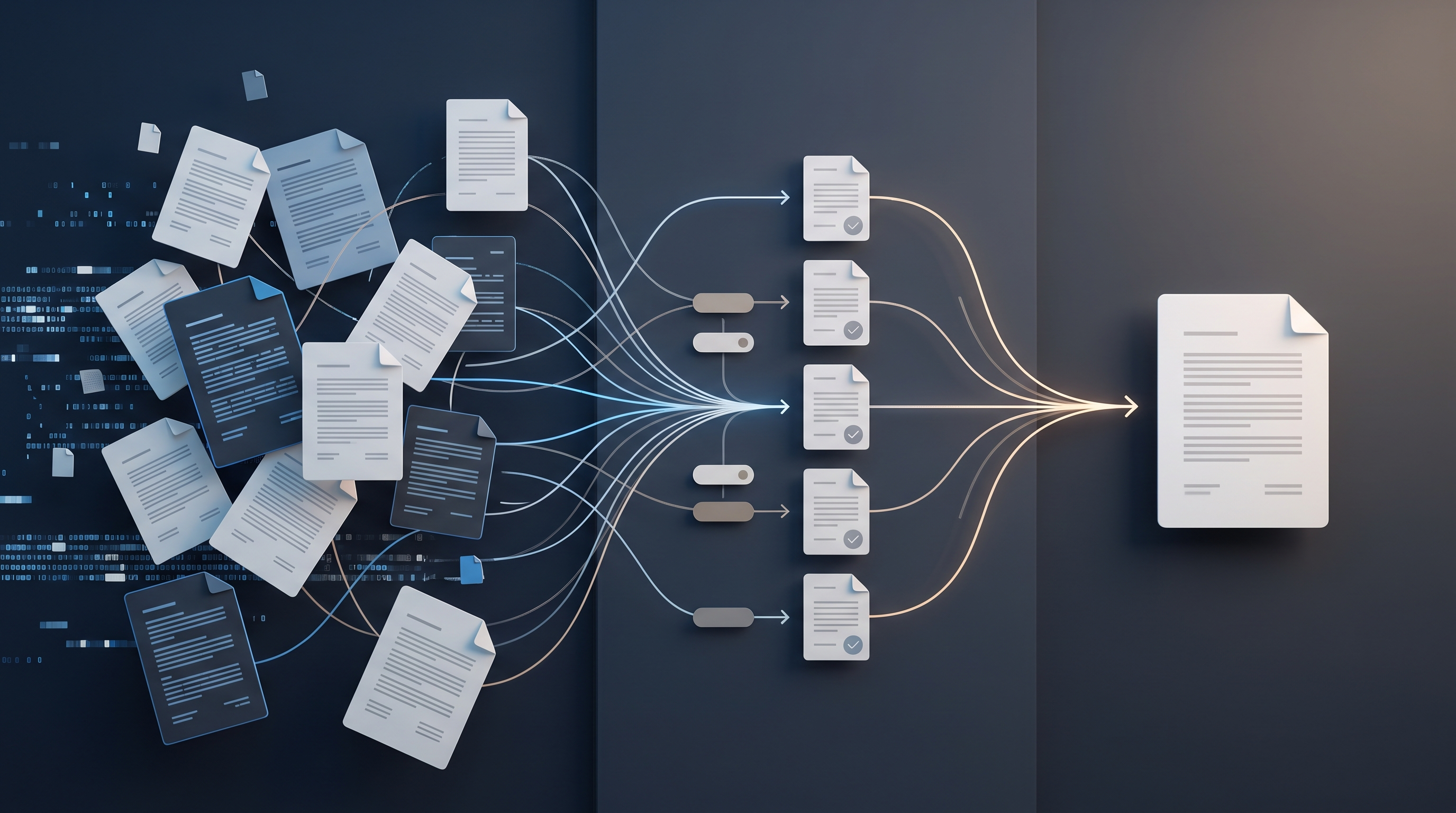
If a service team has too much work in progress, starting new tasks should be subject to a clear condition: first complete or unblock work that is already active. A WIP limit defines how many work items may be in a particular stage of the workflow, or in the system as a whole, at the same time. It should not be used as an employee utilisation target. The limit is a mechanism that makes overload visible, reduces context switching and forces the team to address bottlenecks. Practical implementation begins by mapping the current workflow, setting an initial limit and agreeing what the team will do when that limit is reached.
What Is a WIP Limit and What Does It Actually Restrict?
WIP stands for work in progress—work that has been started but not yet completed according to the outcome defined by the team. A WIP limit is a clearly defined upper boundary for the number of such work items. For example, a team may have a rule that no more than four client tasks can be in progress at once, while no more than two can be under review.
The limit does not restrict demand waiting to be assessed. It restricts the amount of work the team commits to progressing at the same time. At least three states must therefore be distinguished:
- the request has not yet been accepted for delivery;
- the work is active and consuming the team’s attention;
- the work has been completed according to previously agreed criteria.
If these boundaries are not precise, the team can formally comply with the limit by relabelling active tasks as waiting. Such records do not reveal the actual workload. WIP should also include work that has been started but is waiting for a client’s response, another specialist’s involvement or an internal decision, unless the team has a separately defined and managed waiting area.
First Identify Where Work Gets Stuck
Before choosing a limit, examine the actual workflow rather than job descriptions or the desired process. In a service team, one client request may pass through assessment, delivery, internal review, client approval and handover. Each stage may have a different capacity and a different cause of delay.
Bring together all work currently in progress and record the following for each item:
- the person responsible;
- the current stage of the workflow;
- the start date;
- the next specific action;
- any external or internal dependency;
- the reason it is blocked, if it cannot progress.
This is not an exercise in detailed project tracking. The aim is to see how many commitments the team has already made and at which stage they are accumulating. If the next action cannot be identified for a task, it may be a poorly defined request rather than work that is ready for delivery. If one card represents a project lasting several weeks while another represents a ten-minute correction, comparing them as equivalent units will be misleading. Large pieces of work should be divided into outcomes that can be completed without losing their connection to the overall client order.
Create a Workflow Board That Reflects Decisions
A simple initial model might be “Ready to Start”, “In Progress”, “Review”, “Waiting for Client” and “Done”. Column names should reflect the state of the work, not merely a person or department. This allows the team to see which decision or action is needed to move an item forwards.
Define entry and exit criteria for each stage. Work may enter delivery only when the expected outcome is clear, the necessary information is available and responsibility has been assigned. It may enter review only when the person doing the work considers it ready to be reviewed, not because they want to clear their own column.
A separate “Waiting for Client” area is useful when waiting is a regular part of service delivery. However, it must not become an unlimited store. Record when the waiting period began, who is responsible for communication and when the next contact should be made. Otherwise, WIP is hidden rather than managed.
How to Choose an Initial WIP Limit
There is no universal formula. A limit is a working hypothesis about how many items the team can move forwards without losing visibility and the discipline of finishing work. The initial boundary can be selected based on current active work, team capacity and the most constrained stage of the workflow.
A practical sequence is as follows:
- Count the current active items at each stage.
- Find the column where the backlog is largest or the work items are oldest.
- Set the limit slightly below the usual number of active items so that the team has to finish work rather than automatically start the next item.
- Review the boundary after a defined trial period instead of changing it whenever discomfort arises.
The limit should be low enough to influence behaviour, but not so low that normal collaboration becomes impossible. If a reviewer can process only a small number of items to an appropriate standard, there is no point allowing an unlimited amount of work to move into review. Conversely, a limit of one may be unsuitable for a stage where several people legitimately need to work in parallel on independent client outcomes.
The number of people is not automatically the right limit. A limit of four may be too high for a four-person team if every item requires several colleagues to contribute, or too low if the items are small and independent. The team’s collaboration model, task size and proportion of waiting time must all be considered.
Agree What Happens When the Limit Is Reached
A WIP limit works only when combined with a clear policy. If a column is full, a new item must not be pulled into it merely to prevent someone from being without work. The team’s next choice is to help complete active work, remove a blocker, conduct a review, clarify a client response or improve the readiness of the next item without starting it yet.
A useful principle is “pull work when capacity is available”, rather than “assign work as soon as it appears”. This changes the manager’s role: priorities are still set, but a new item enters delivery only when there is room in the workflow. If business priorities require new work to begin while the limit is full, the team must consciously decide which active item to pause. This decision must be visible because paused work remains an unfinished commitment.
Also agree who may change priorities, how blocked work is marked and how often limits are reviewed. Without these rules, the board becomes a status display rather than a work management system.
Urgent Work and Client Exceptions
A service team may encounter incidents, time-sensitive requests or errors that cannot be left in the queue. This is not a reason to abandon WIP limits. Establish a clear urgency policy with narrow acceptance criteria.
A single dedicated slot for urgent work can be used, but it must be limited. Before placing work there, define who makes the urgency decision, which circumstances qualify and which current item will be paused if necessary. “The client wants it sooner” is not, by itself, a sufficient criterion if every client can request the same exception.
If the urgent slot is occupied almost all the time, the issue is no longer an exception. Review service commitments, request selection, quality problems or reserved capacity. Otherwise, the urgent lane becomes a second priority queue that bypasses the wider system.
Manage Flow in a Short Daily Review
A daily review should not involve asking each person in turn what they did. Review the work from the end of the workflow back towards the beginning: what can be completed, what is waiting for review, which item is blocked and which work item is the oldest. This sequence shifts attention from individual busyness to the overall result.
Every exceeded limit requires a specific decision: stop starting new work, bring in help, reduce the scope of an active item or escalate a dependency. A limit breach should not be removed from the records. It is a signal of a mismatch between demand, work policies and actual capacity.
The review should be brief, but decisions must be recorded on the board. If a blocker has no owner and no next action, discussing it alone will not change the flow.
How to Measure Whether WIP Limits Are Helping
It is not enough to check whether the team is complying with the number above a column. The workflow itself must be assessed. The official Kanban Guide identifies WIP, throughput, work item age and cycle time as the minimum required set of flow measures. These metrics answer different questions:
- WIP shows how many items have been started but not yet completed;
- throughput shows how many items were completed within a defined period;
- work item age shows how long an unfinished item has already been in the process;
- cycle time shows how long the journey from starting to completion took.
Before changing a limit, record the baseline and agree a regular review period. Look at the trend rather than a single successful or unsuccessful day. If WIP decreases but work item age increases, the team may be completing only the easier items and leaving the difficult ones behind. If throughput remains unchanged but cycle time becomes more consistent, the system may nevertheless be more predictable. If work regularly returns to delivery because of quality defects, improve the completion and review criteria rather than simply increasing the limit.
Use measurements to improve the system, not to compare individual performance. Work items vary in complexity, and assessing people by the number of cards moved encourages artificial task splitting or the circumvention of quality standards.
A Simplified Implementation Example
Suppose a four-person service team has six items in progress and four under review. Only one specialist regularly performs reviews. The team begins with a limit of four for work in progress and two for review. These figures are not a universal recommendation—they are a starting point for the trial.
When two items are already under review, team members do not move a third item there or automatically begin a new client task. They help prepare review materials, address identified shortcomings or agree which item must be completed first. If a qualifying urgent incident arrives, the responsible manager decides which active item to pause temporarily. The pause remains visible on the board.
After the trial period, the team compares WIP, cycle time, the age of unfinished items and throughput. The limit is changed only when data and observations indicate a specific problem, not simply because the boundary has been reached and someone wants to start the next task.
Limitations, Risks and Situations Where a Limit Is Not Enough
A WIP limit does not by itself resolve unclear priorities, inadequate requirements, skill shortages or a chronic mismatch in capacity. It makes these problems more visible. If management continues to demand that everything begin immediately, the limit on the board will become decorative or the team will hide work outside the system.
A limit that is too high does not change behaviour. A limit that is too low can create idle time when work depends heavily on external decisions or requires different skills. The answer is not to increase the boundary automatically: first review how work is divided, whether team members can substitute for one another, the waiting policy and the size of work items.
Risk also arises when all tasks are counted as equivalent. A very large item may occupy one slot while consuming most of the team’s capacity. Large pieces of work should therefore be divided into independently verifiable outcomes. Conversely, excessively fine task splitting merely to circumvent the limit distorts the measurements.
WIP limits may be unsuitable as the sole management mechanism for work that requires an immediate response, such as handling certain incidents. Admission control, a prioritisation policy and reserved capacity are still required, but the flow model may differ from a standard queue of client work.
A 30-Day Implementation Plan
In the first week, gather the active work, create a board that reflects the actual workflow and agree definitions for when work starts and when it is complete. Do not try to create the ideal process yet.
In the second week, set initial limits for the most problematic stages. Document the rules for urgency, blocked work and waiting for a client. Begin a short daily flow review, working from the end of the process back towards the beginning.
In the third week, do not change the limit after every breach. Record why the boundary was reached, which items are ageing and which dependencies recur. Check whether any work is being performed outside the board.
In the fourth week, assess WIP, throughput, work item age and cycle time. Change one policy or limit at a time so that you can understand the effect of the change. Retain what helps the team complete work more predictably, and refine the areas where the limit merely reveals a deeper process problem.
Before implementation, ensure that the team has a shared answer to four questions: what counts as started work, where the limit is set, what happens when the limit is full and who may approve an exception. If the answers are ambiguous, the number above the column will not guide daily decisions.
Conclusion
A good WIP limit is not a maximum utilisation target. It is a deliberate constraint that helps a team complete existing commitments before starting new ones. Begin with a visible representation of the actual workflow, a sufficiently simple limit and a clear response when the boundary is reached. Then assess not only the number of completed items, but also their age, cycle time, quality and predictability.