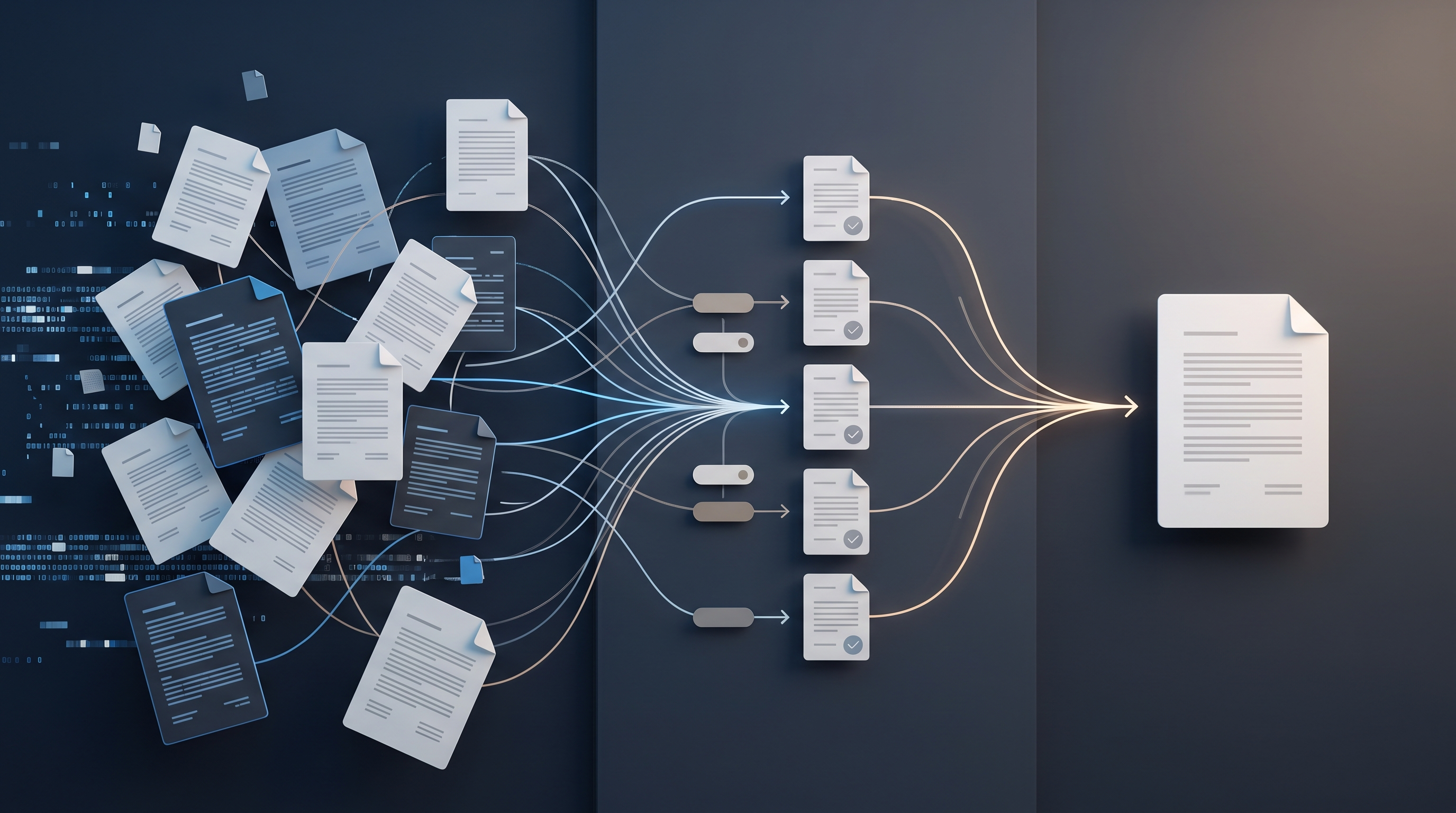
In many companies, the customer journey from the first enquiry to the final invoice is still made up of several disconnected steps.
A customer fills out a form on the website. The information arrives by email. An employee manually enters the customer into the CRM, prepares a proposal, creates a task for a colleague, drafts a contract, and later enters the same information again in the accounting system to issue an invoice.
Each individual step may appear simple, but together they create a significant administrative workload.
The result is often:
repeated data entry;
errors in customer information;
forgotten enquiries;
delayed proposals;
unclear responsibilities;
inaccurate work statuses;
late invoices;
a sales process that is difficult to measure.
A unified digital workflow connects these stages into one logical process. Information is entered once and then reused automatically throughout the following stages.
What Is a Unified Digital Workflow?
A digital workflow is a predefined sequence of actions in which information moves automatically between systems, employees, and process stages.
For example:
the customer submits an enquiry form;
a contact is automatically created in the CRM;
the enquiry is assigned to the responsible employee;
the system creates a follow-up task;
a proposal is prepared;
once approved, a project is created;
a contract is prepared;
when the work is complete, an invoice draft is created;
the invoice is sent to the customer;
the system monitors the payment status.
The main benefit is simple: employees no longer need to copy the same information manually from one system to another.
Why Is This Process Worth Automating?
Processing customer enquiries is usually one of the most frequently repeated business processes.
If a company receives only a few enquiries each month, a manual process may still be manageable. As the number of customers grows, however, the administrative workload increases quickly.
Automation can reduce:
enquiry processing time;
data-entry errors;
the risk of losing potential customers;
repeated questions between employees;
the time required to prepare invoices;
dependence on one employee’s knowledge.
At the same time, management gains much better visibility into the full customer journey, from the first contact to a paid invoice.
Stage 1: Receiving the Customer Enquiry
A unified workflow should begin at the moment a potential customer first contacts the company.
An enquiry may arrive through:
a website form;
email;
a telephone call;
social media;
an advertising landing page;
chat;
a partner referral.
Ideally, all of these channels should feed into one customer-management system.
Which Data Should Be Collected?
The enquiry form should not be unnecessarily long, but it should collect enough information for the next stage of the process.
Useful fields often include:
customer name;
company name;
email address;
telephone number;
service of interest;
short description of the requirement;
desired deadline;
required consents.
Do not request information that is not necessary at this stage.
Stage 2: Automatic CRM Registration
Once the enquiry is submitted, the system should automatically create a contact or sales opportunity in the CRM.
There is no reason to wait for an employee to open an email and copy the information manually.
The CRM record may automatically store:
enquiry source;
date and time;
customer contact details;
service of interest;
initial status;
responsible employee;
advertising campaign or UTM parameters.
This information later helps the company understand which channels generate the highest-quality enquiries and customers.
Stage 3: Automatic Task Assignment
After the customer has been registered, the next question is who should contact them.
This can also be automated.
The enquiry may be assigned based on:
type of service;
customer location;
company size;
selected language;
salesperson workload;
specific department.
For example, a website-development enquiry may be assigned to one specialist, while an automation project is assigned to another.
At the same time, the system can create a task such as:
Contact the customer within one business day.
If the task is not completed on time, the responsible employee receives a reminder.
Stage 4: Initial Communication
Customers should not be left wondering whether their enquiry has been received.
An automatic confirmation can be sent immediately after the form is submitted.
The message may include:
confirmation that the enquiry was received;
how quickly the company usually responds;
what happens next;
which additional information may be required;
contact-person details.
The automated email should not feel overly generic.
Where possible, use the customer’s name, the service they are interested in, and a specific next step.
Stage 5: Qualification
Not every enquiry is equally suitable for the company.
Before preparing a proposal, it may be necessary to clarify:
the project budget;
the required timeline;
the main business need;
the decision-makers;
technical requirements;
existing systems;
the scope of cooperation.
This information should ideally be recorded in structured CRM fields rather than remaining only in one employee’s emails or personal notes.
This ensures that important information is available to everyone involved in the process.
Stage 6: Preparing the Proposal
Once the customer has been qualified, the system can help prepare the proposal.
If the company offers standardised services, the proposal may automatically include:
customer details;
selected service;
price;
deadline;
project stages;
payment schedule;
terms and conditions.
The employee then only needs to review and customise the information where necessary.
This is significantly more efficient than creating each proposal from scratch.
Proposal Statuses
The CRM may use statuses such as:
in preparation;
sent;
viewed;
changes requested;
approved;
rejected.
If the customer does not respond within a defined period, the system can automatically create a reminder for the salesperson.
Stage 7: Contract and Approval
Once the proposal has been approved, the next stage is preparing a contract or another cooperation document.
There is no need to enter the customer’s details again.
Information may be taken automatically from the CRM, including:
customer name;
registration details;
address;
contact person;
project value;
service description;
deadlines.
The system can create a contract draft and send it for review or electronic signature.
Legally significant documents, however, should not be sent completely automatically without a predefined review procedure.
Stage 8: Creating the Project or Work Order
Once the contract is signed, the process moves from sales to delivery.
The system can automatically:
change the customer status;
create a project;
assign a project manager;
create tasks;
create a document folder;
send onboarding information to the customer;
add deadlines to the calendar.
For example, a website project could automatically create tasks to:
collect company information;
collect logos and visual materials;
prepare the website structure;
develop the design;
build the CMS;
upload the content;
perform testing;
publish the project.
This helps standardise the delivery process and reduces the risk of important steps being forgotten.
Stage 9: Monitoring Work Status
One of the greatest advantages of a unified workflow is being able to see project status in one place.
A manager can quickly check:
how many projects are active;
which tasks are overdue;
which customers require a response;
which employee is responsible;
which projects are approaching the invoicing stage.
There is no need to collect this information manually from emails and separate spreadsheets.
Example work statuses may include:
waiting for customer information;
in progress;
under review;
awaiting approval;
completed;
ready for invoicing.
Stage 10: Preparing the Invoice
When a project reaches a predefined status, the system can automatically create an invoice draft.
Invoice information may be taken from the CRM or contract:
customer details;
service name;
amount;
VAT information;
payment deadline;
project number;
payment terms.
This significantly reduces manual data entry and the risk of errors.
The invoicing process should still comply with the company’s accounting and tax requirements.
Stage 11: Sending the Invoice and Monitoring Payment
Once the invoice is approved, it can be sent to the customer automatically.
The system can also monitor its payment status.
For example:
invoice issued;
invoice sent;
paid;
due date approaching;
overdue.
As the due date approaches, the customer may receive a polite automatic reminder.
If the payment becomes significantly overdue, a task can be assigned to the responsible employee.
This reduces the risk of an invoice being issued and then forgotten.
Which Systems Need to Be Connected?
A unified workflow does not mean that everything must be located inside one piece of software.
In practice, several specialised systems are often connected:
website CMS;
enquiry forms;
CRM;
email system;
project-management platform;
document-management system;
electronic-signature solution;
accounting software;
payment system;
analytics tools.
The important point is that information should move between these systems automatically, predictably, and securely.
A Unified Customer ID
A consistent way of identifying the customer is extremely important.
If one system identifies the customer one way and another system uses a different name or identifier, duplicates and data mismatches may appear.
For this reason, the customer or company should ideally have a unique identifier that is used across integrations.
This makes it possible to connect:
the enquiry;
proposal;
contract;
project;
invoice;
payment;
communication history.
Which Processes Should Remain Human?
Not everything needs to be automated.
Human involvement is particularly important for:
evaluating complex customer needs;
pricing non-standard projects;
reviewing legal documents;
resolving disputes;
quality control;
approving significant financial decisions.
The goal of automation is not to remove people from the process.
The goal is to eliminate unnecessary administrative work and leave people responsible for the tasks that require experience, judgement, and accountability.
Common Mistakes
Automating a Disorganised Process
If the manual process is not clear, automation will only make the problem more complicated.
Using Too Many Systems
If a different application is used for every small function, integrations may become expensive, unstable, and difficult to maintain.
Keeping Duplicate Data Entry
If employees still need to enter the same information in several places after automation, the process has not been optimised enough.
Failing to Define Error Scenarios
The company should define what happens if:
the CRM is unavailable;
invoice creation fails;
customer details are incomplete;
an integration does not respond;
data is in the wrong format.
Having No Process Owner
Someone in the company should be responsible for the performance, quality, and continuous improvement of the entire workflow.
How to Start Implementation
1. Map the Current Process
Write down every step from the customer’s first enquiry to the invoice and payment.
2. Identify Manual Steps
Mark all places where data is copied, forwarded, or entered again.
3. Set Priorities
Start with tasks that:
occur frequently;
consume significant time;
regularly cause errors;
are easy to standardise.
4. Create a Pilot Project
The first stage might automate only:
website enquiry → CRM → task → automatic email
This allows the company to test the approach without creating an overly complex project.
5. Measure the Result
Compare:
processing time;
number of errors;
number of lost enquiries;
response speed;
employee time used.
6. Expand the Workflow
Only after the first stage is stable should you add proposals, contracts, project management, and invoicing.
Practical Checklist
Before building a unified digital workflow, check:
Do all customer enquiries arrive in one place?
Are customer records created automatically in the CRM?
Is there a clearly assigned responsible employee?
Is a task created automatically?
Does the customer receive an enquiry confirmation?
Does the proposal use existing CRM data?
Can contract details be reused without re-entering them?
Is a project created automatically after approval?
Are project statuses standardised?
Does the invoice draft use existing customer data?
Is invoice payment monitored?
Can all process stages be measured?
Have error and fallback procedures been defined?
Conclusion
A unified digital workflow connects customer enquiries, sales, project delivery, and invoicing in one logical process.
The greatest benefit usually comes from entering information only once and then reusing it automatically throughout all subsequent stages.
A well-designed workflow can:
register customers automatically;
assign responsible employees;
create tasks;
prepare communication;
assist with proposals;
prepare contracts;
create projects;
monitor work status;
prepare invoices;
track payments.
The most important thing is not to begin with a complex system.
First, organise the business process itself, define which data is needed, and only then select the technology.
The quality of automation is not measured by the number of integrations. It is measured by how little manual work employees need to perform and how clearly the company can see the customer journey from the first enquiry to the received payment.